Building the UNICORN Racing Stack for Simulation and Remote Race Control
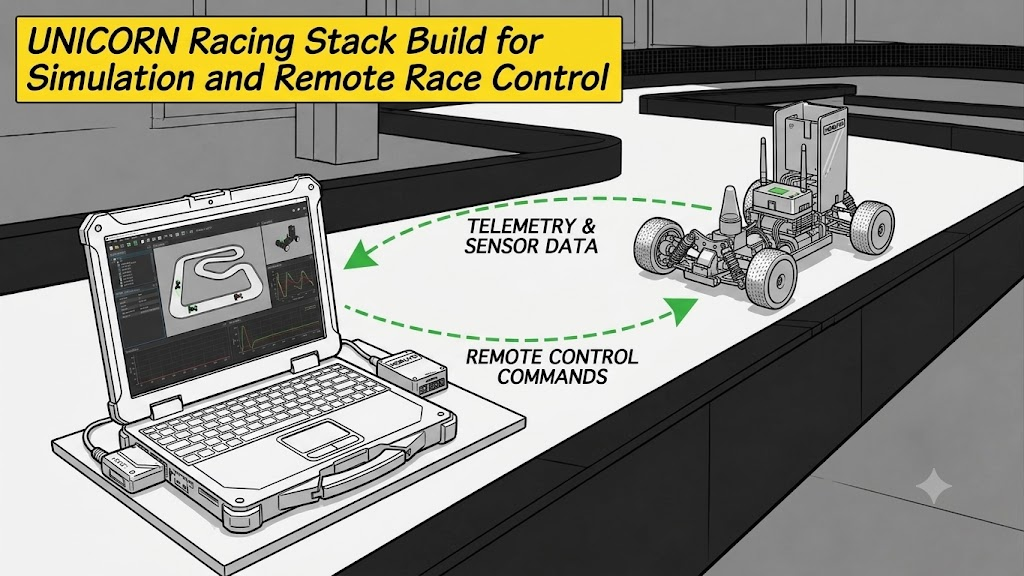
This guide explains how to build the UNICORN Racing Stack so you can run simulations or control a race remotely from your laptop, without a physical vehicle. The full source is available in the UNICORN Racing Stack repository.
This is a laptop/simulation build. Hardware-only nodes, mapping, and localization are skipped. For the actual vehicle, see Building the UNICORN Racing Stack on the RaceCar (
setup_conda_onCar.sh).
0. Conda Setup
If you already have a conda environment, you can skip this step. Otherwise, we recommend installing miniforge.
1
2
3
curl -L -O "https://github.com/conda-forge/miniforge/releases/latest/download/Miniforge3-$(uname)-$(uname -m).sh"
bash "Miniforge3-$(uname)-$(uname -m).sh" && exec $SHELL
conda config --set auto_activate_base false
1. Clone
1
2
3
mkdir -p ~/unicorn_ws/src && cd ~/unicorn_ws/src
git clone --recursive https://github.com/hmcl-unist/unicorn-racing-stack.git
cd unicorn-racing-stack
The submodules must be fetched as well, so always use the
--recursiveoption.
2. Build (Laptop — for Simulation / Remote Control)
1
./setup_conda_onLaptop.sh   # sim/laptop: skips hardware-only nodes, mapping, and localization
This single script creates the unicorn conda environment, registers the unicorn alias (in ~/.bashrc and ~/.zshrc), and installs all dependencies at once. The build takes about 2 minutes.
During the run you may be prompted for a password. This happens as part of the setup for communication optimization — just enter your password and continue.
3. Run and Test
1
2
unicorn   # activate the conda env + ROS 2 Jazzy workspace (alias)
ros2 launch stack_master race.launch.xml sim:=true map:=f   # full autonomy + virtual opponent
You can drive the vehicle directly with the keyboard.
- Arrow keys: manual driving
a: autonomous modeh: human control mode
Conclusion
In this post, we walked through building the UNICORN Racing Stack on a laptop for simulation and remote control.
- Conda setup → clone the repository → build with
setup_conda_onLaptop.sh→ run the simulation withrace.launch.xml - You can validate and test the autonomy stack without a physical vehicle.
We recommend validating thoroughly in simulation before deploying to the real car. For the simulation workflow of the ROS 1 racing stack, see Trying out the racing-stack with simulation.