VESC Hall Sensor Guide
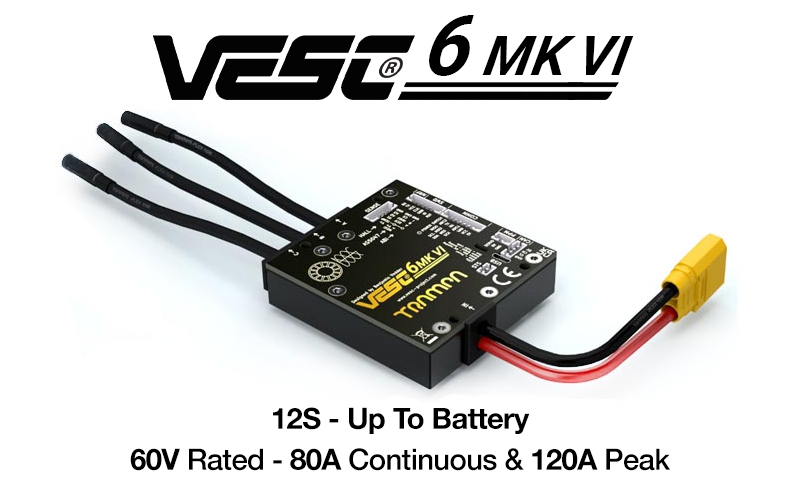
VESC can use Hall Sensors for precise motor control.
Reference video
How to measure Hall Sensors
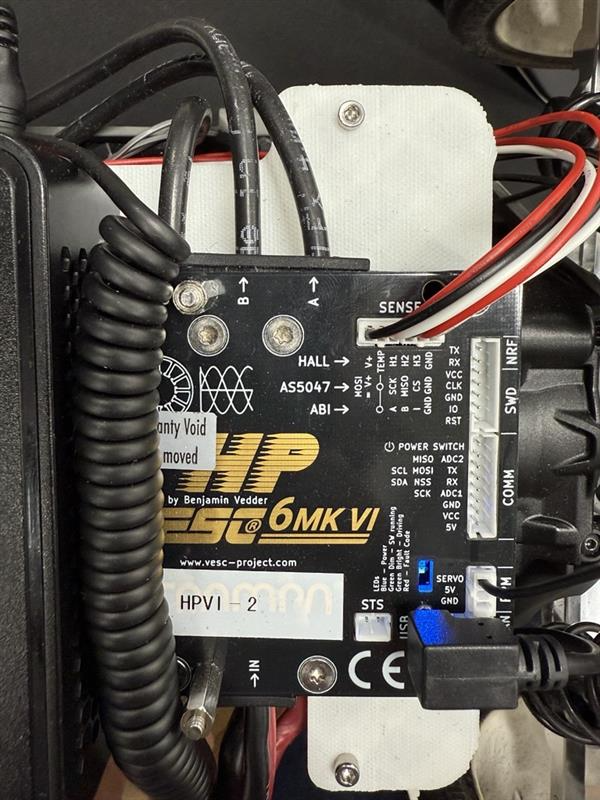
Connect the motor Hall Sensor wires to the SENSE port (the 6-pin connector at the top in the photo). Then go to Motor Settings → FOC → Hall Sensors and press the play button at the bottom to measure.
During measurement, the wheel will move slightly forward and backward. After measurement, click Apply to save the sensor values and Write Motor Configuration in the top-right to save the config.
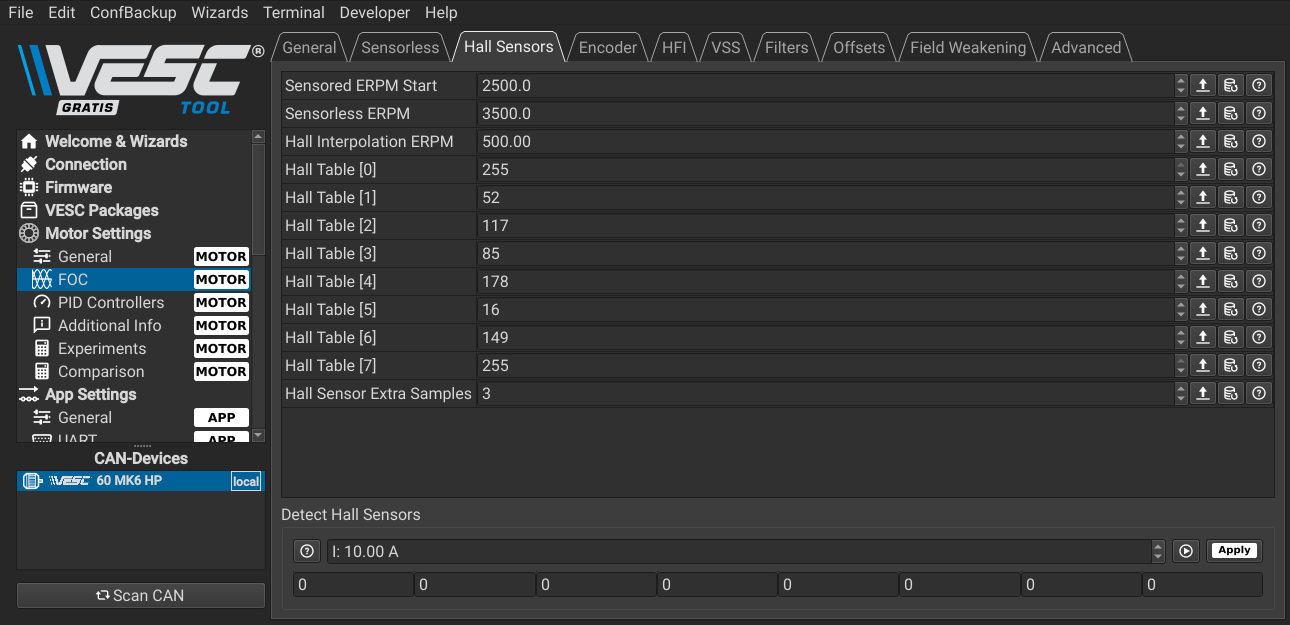
After this, you can run FOC using Hall Sensors.
Cautions
Not all sensored motors are compatible with VESC Hall Sensor mode. Motors with built-in proprietary encoders designed for their own ESCs may not work with VESC.
- Example compatible: EZRUN 3665SD 2400kv G3
- Example likely incompatible: AXE550 R2 3300kv
Wrap-up
Once Hall Sensors are measured and saved correctly, you can achieve stable sensored control at low speed. Always run Apply and Write Motor Configuration to ensure the settings are stored.