VESC Servo Output Enable & Test Guide
VESC Servo Output Enable & Test Guide
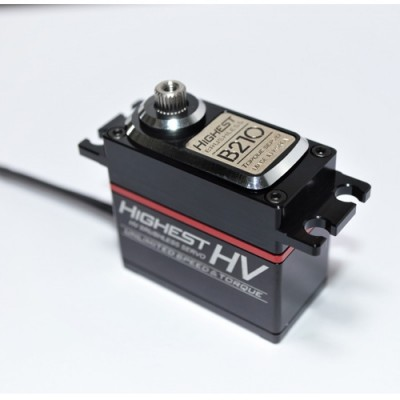
This post explains how to connect a servo to the VESC and verify that the output signal works correctly.
Connect a servo to the VESC
VESC outputs 5V power and signal through the PPM port. The connector is JST-PH 3-pin, which most servos do not use. You will need one of the following:
- build an adapter cable, or
- re-terminate the servo cable to JST-PH 3-pin
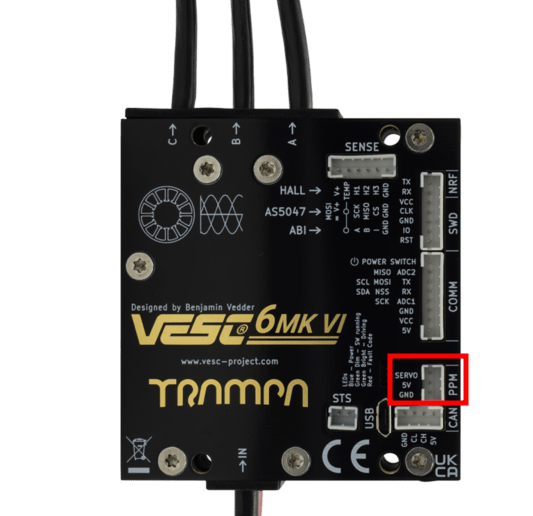
Even if the servo wires look thin, they can carry high current, so use high-current wire to avoid melting.
Test servo output on the VESC
Test video
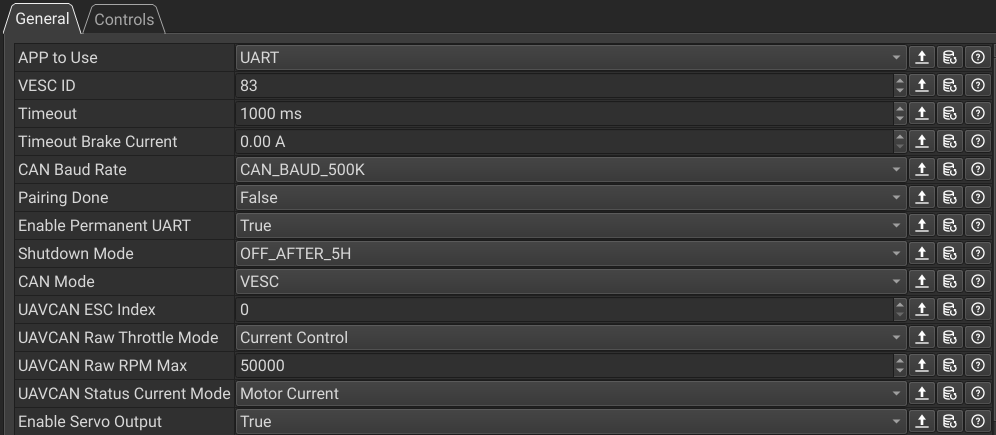
You can enable or disable servo output in AppSettings-General → General.
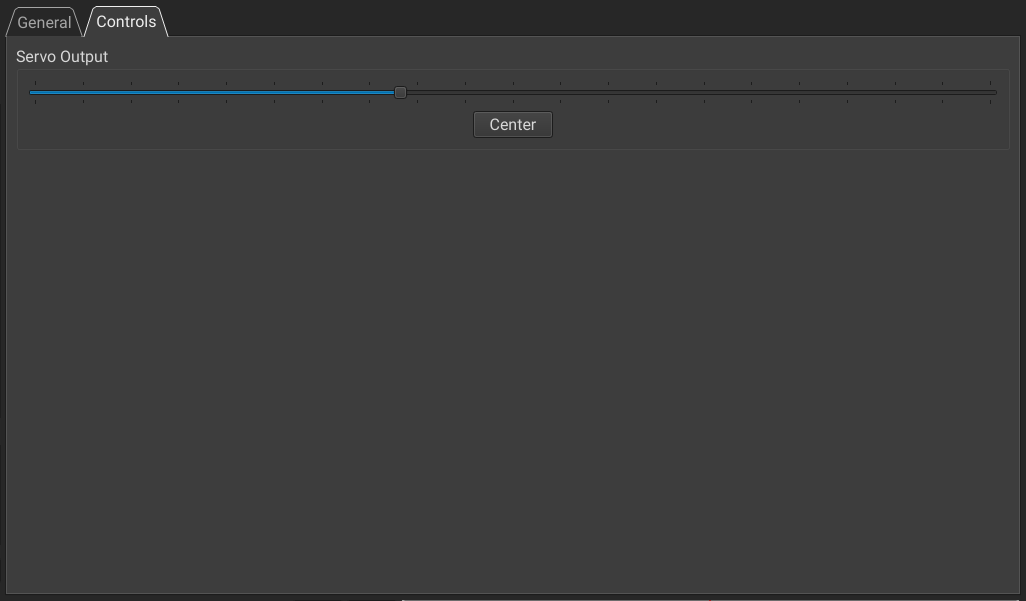
You can test servo control in General → Controls.
This post is licensed under CC BY 4.0 by the author.