VESC Built-in IMU Setup and ROS Integration

VESC includes a built-in IMU, so you can get vehicle attitude data without an external IMU. However, you need a firmware upgrade to use it. This guide covers IMU setup and how to use it with ROS.
IMU setup
After upgrading firmware, you can enable the built-in IMU. Update the sensor settings under App Settings → General → IMU.
Check IMU data in real time
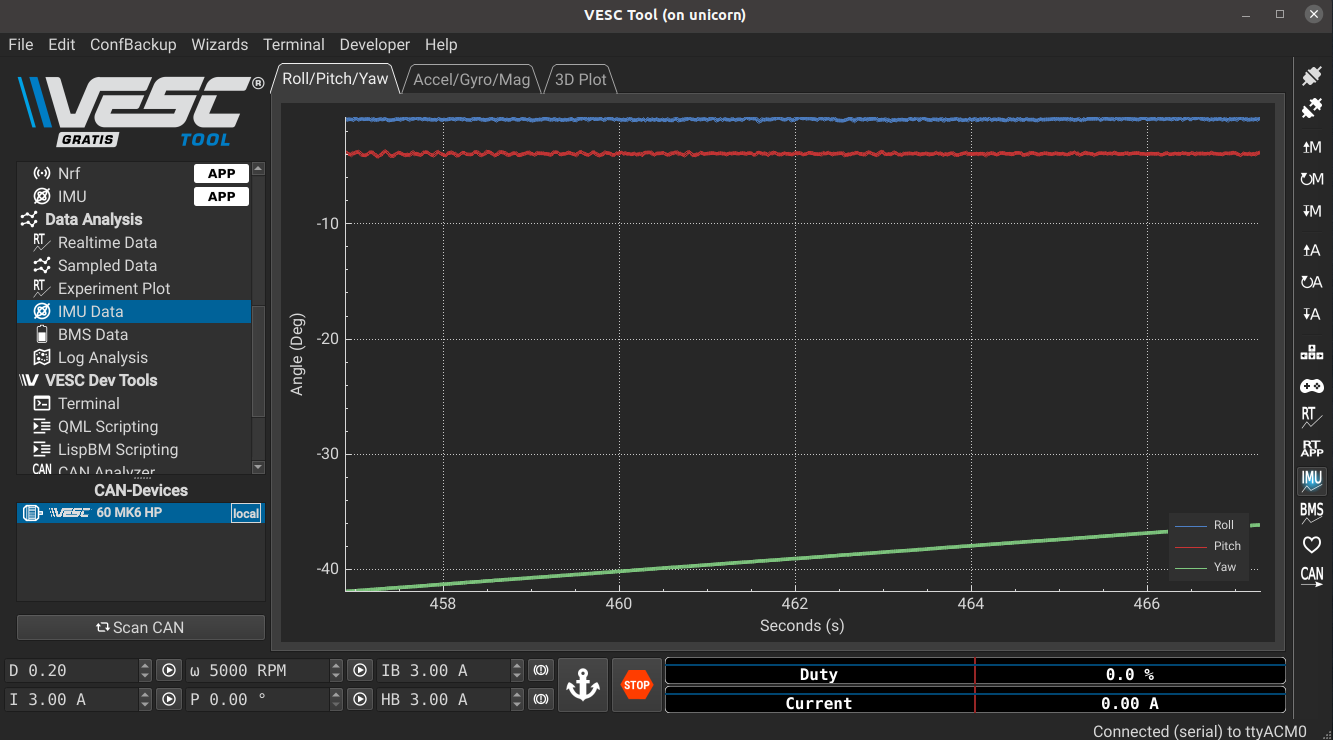
- Enable Activate IMU Sampling in the right-side menu to view IMU values live in the GUI.
- Use Data Analysis → IMU Data to inspect the sampled IMU data in detail.
ROS integration
When using VESC with ROS, you can access the built-in IMU through the vesc/sensors/imu/raw topic. We recommend verifying the IMU axes from the output values before use. It is also important to align static TFs relative to base_link.
Wrap-up
Using the built-in IMU simplifies the system by eliminating the need for a separate IMU module. However, it can be less accurate than an external IMU, so consider using an external IMU if you need high-precision attitude estimation.