First Step After Motor Wiring: FOC Tab Setup
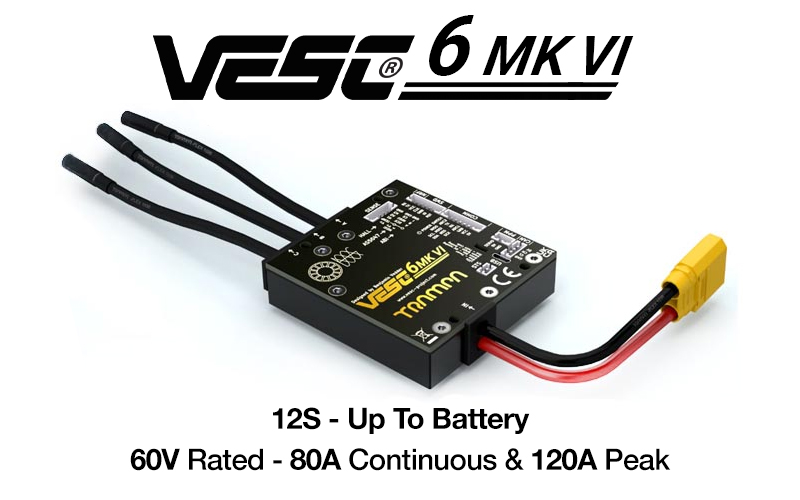
FOC setup is mandatory to control a BLDC motor with VESC. If FOC is not configured correctly, the motor may not run, efficiency will drop, and in severe cases the motor or driver can be damaged. This post summarizes the setup process, Sensor Mode types, and troubleshooting tips.
- Reference video:
What is FOC?
FOC stands for Field Oriented Control and is the core control method for BLDC motors. The system detects the motor, measures parameters, and uses them to control the motor correctly.
Sensor Mode types
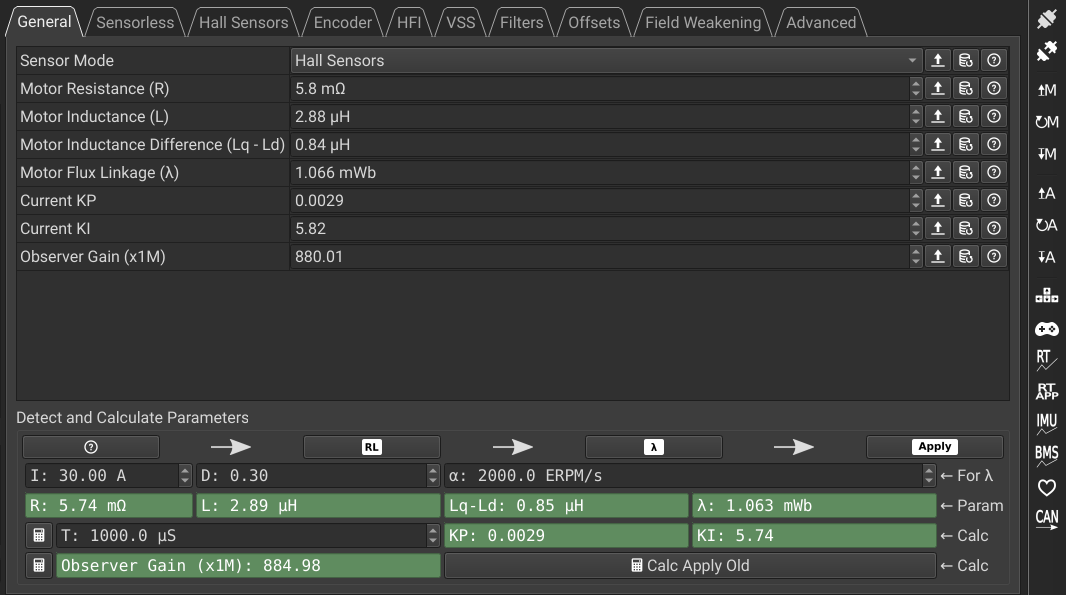
You can select the Sensor Mode in General → General. The main options are Sensorless, HFI, and Hall Sensors.

How to configure FOC
All three modes follow the same high-level flow.
- Measure or assign parameters for the chosen sensor mode.
- Do the pre-setup in Sensorless, Hall Sensors, or HFI tabs.
- Set the Sensor Mode in General → General.
- In Detect and Calculate Parameters, run
RL → λ → Applyin order.
- Pressing
RLplays a small alert tone and prepares the next step. - Pressing
λstarts spinning the wheel.
Troubleshooting
Sometimes the λ value stays red and does not measure. This can happen on older firmware versions. Upgrade the firmware first, then repeat the setup.
- Firmware upgrade guide: /unicorn-racing/posts/vesc-firmware-upgrade-guide/
Cautions
- After measuring motor parameters, click Write motor configuration on the right menu to save.
- Measure with the motor detached rather than after full vehicle assembly to get accurate values.
Wrap-up
FOC configuration is fundamental for safe motor control. If settings are wrong or not saved, motor control can become unstable and cause damage. After configuration, always click Write motor configuration, then continue with current limits and direction settings in Motor Settings.