How to Download VESC Tool
How to Download VESC Tool
This guide walks you through the VESC Tool download process, from account creation to the download email.
Create a VESC Project account
To download VESC Tool, you need to sign up on the VESC Project site first.
Free version “purchase” flow
Even though VESC Tool has a free version, the download process looks like a checkout flow. Follow these steps.
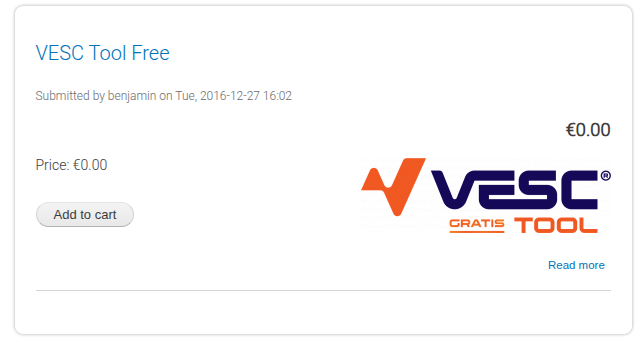
- Click
Add to cart.

- Click
Checkout.
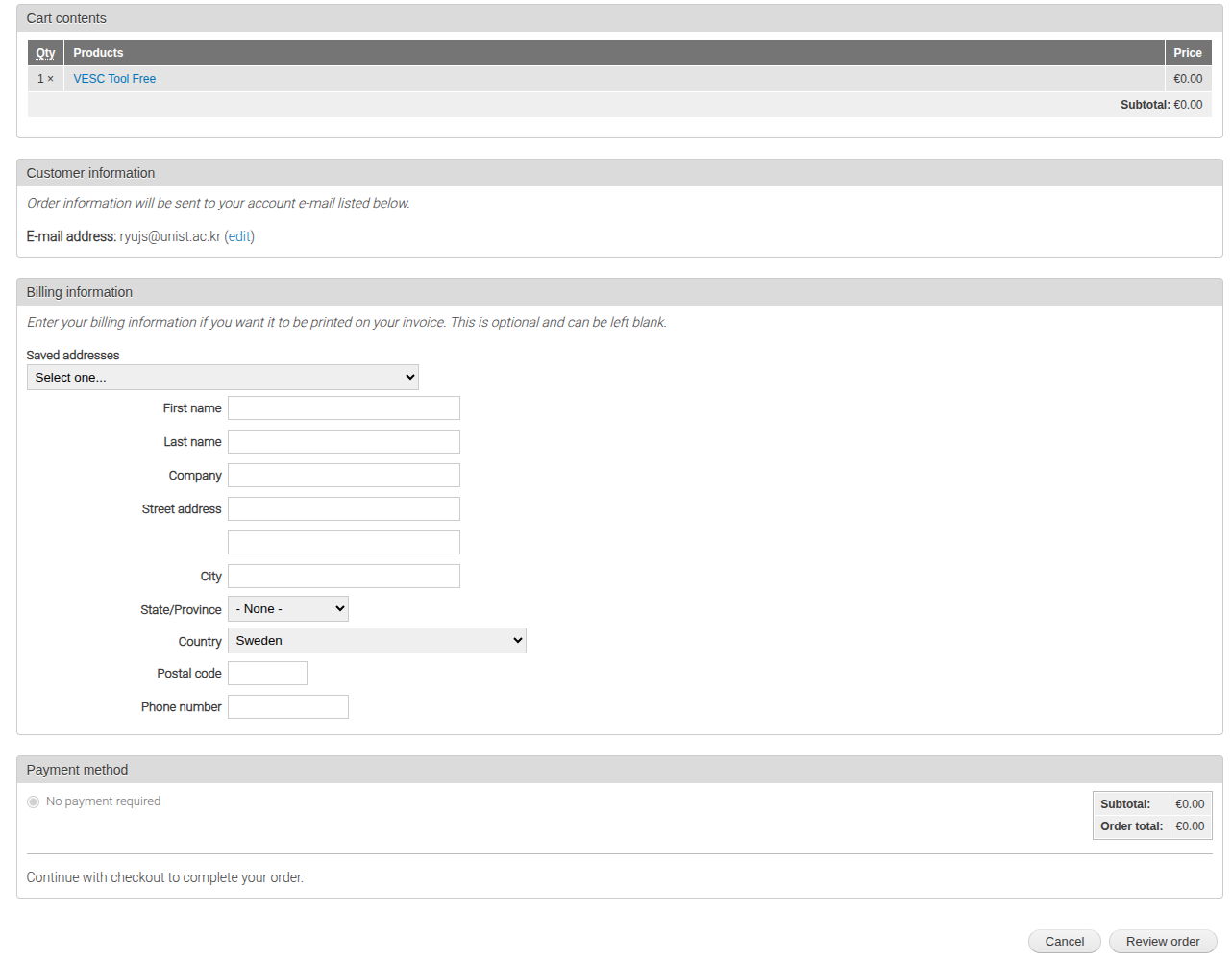
- Click
Review orderwithout entering extra information.
The free version is sufficient for most basic use cases.
Download from the email
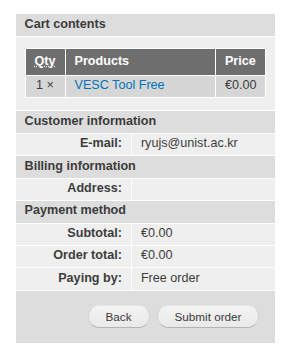
Click Submit order and a download email will be sent to you.
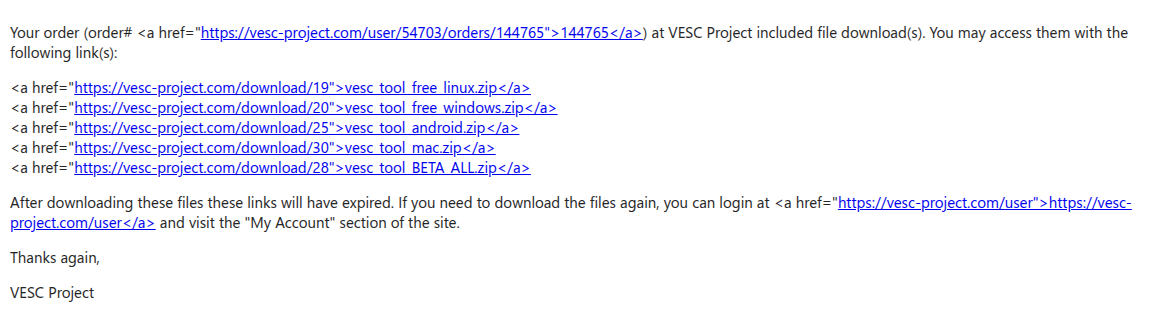
Open the email and choose the file that matches your operating system.
Wrap-up
Remember that VESC Tool is free, but the download flow is formatted like a purchase. If you follow Add to cart → Checkout → Review order → Submit order, the download link will arrive by email. Select the file for your operating system and install it.
This post is licensed under CC BY 4.0 by the author.